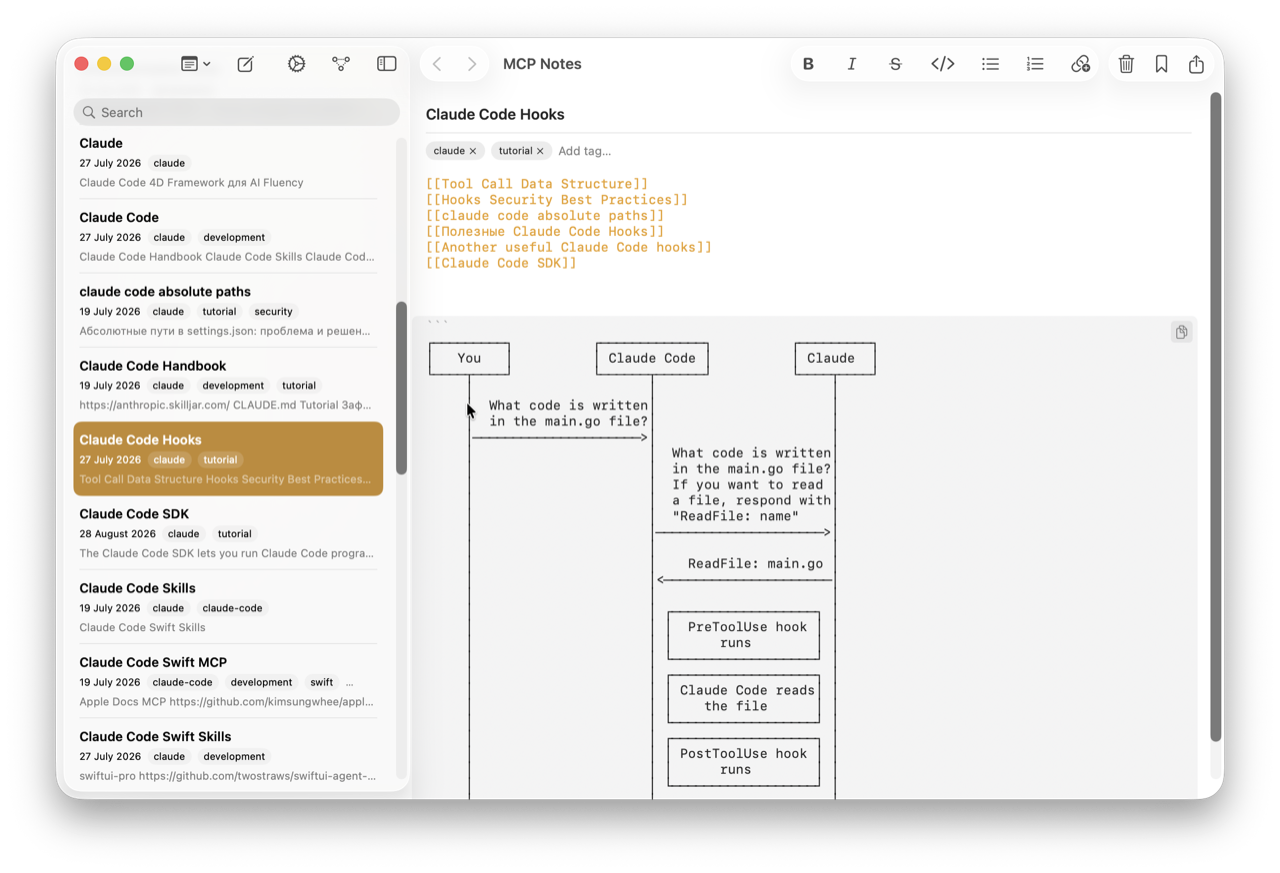
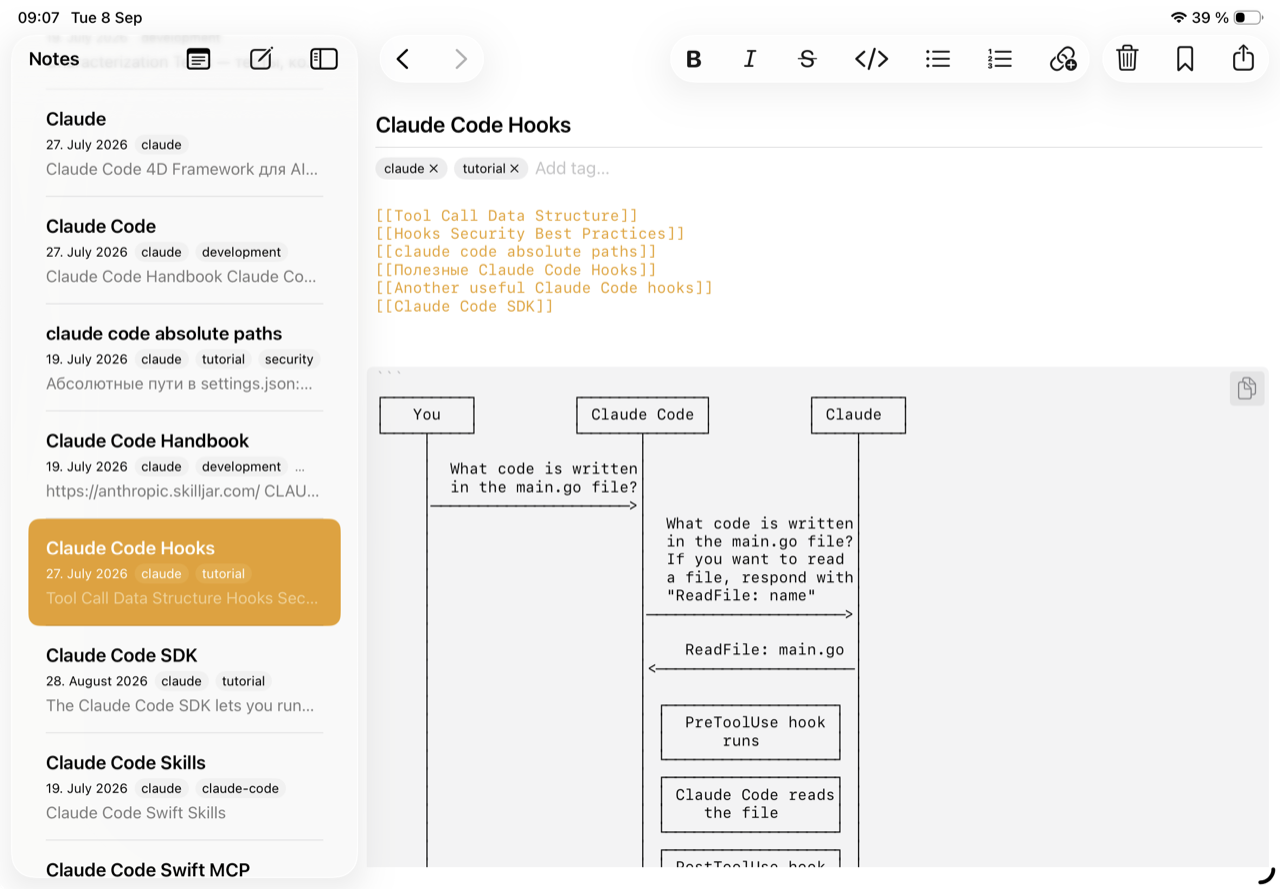
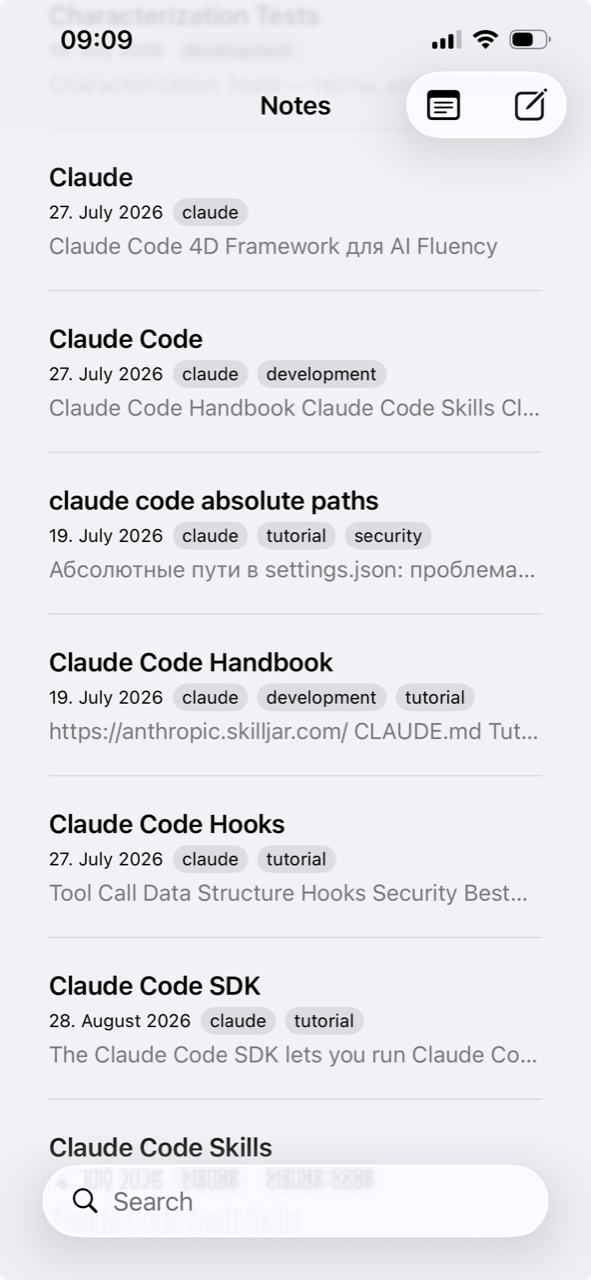
Notes in MCP Notes are stored as plain .md files in your iCloud Drive — not locked into a proprietary database or format. iCloud handles syncing them across your Mac, iPad, and iPhone the same way it syncs any other file.
No lock-in
Because notes are just Markdown files on disk, you can:
- Open, edit, or back them up with any other text editor or tool.
- Read them without MCP Notes installed at all.
- Move them, script against them, or put them under version control if you want to.
Why it matters for AI conversations
Plain files also mean the MCP server and semantic search index have nothing exotic to reason about — they’re indexing the same Markdown files you already own, wherever iCloud has synced them.