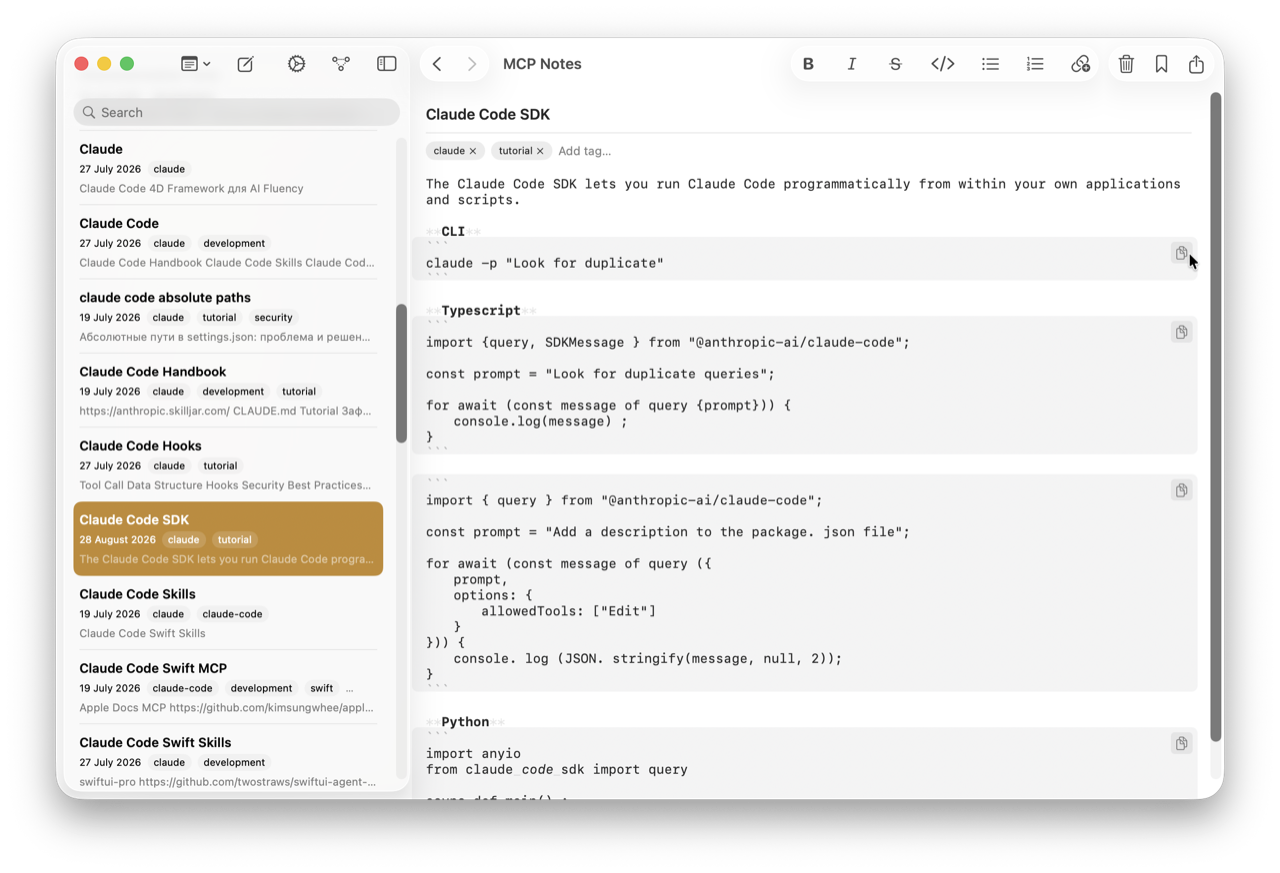
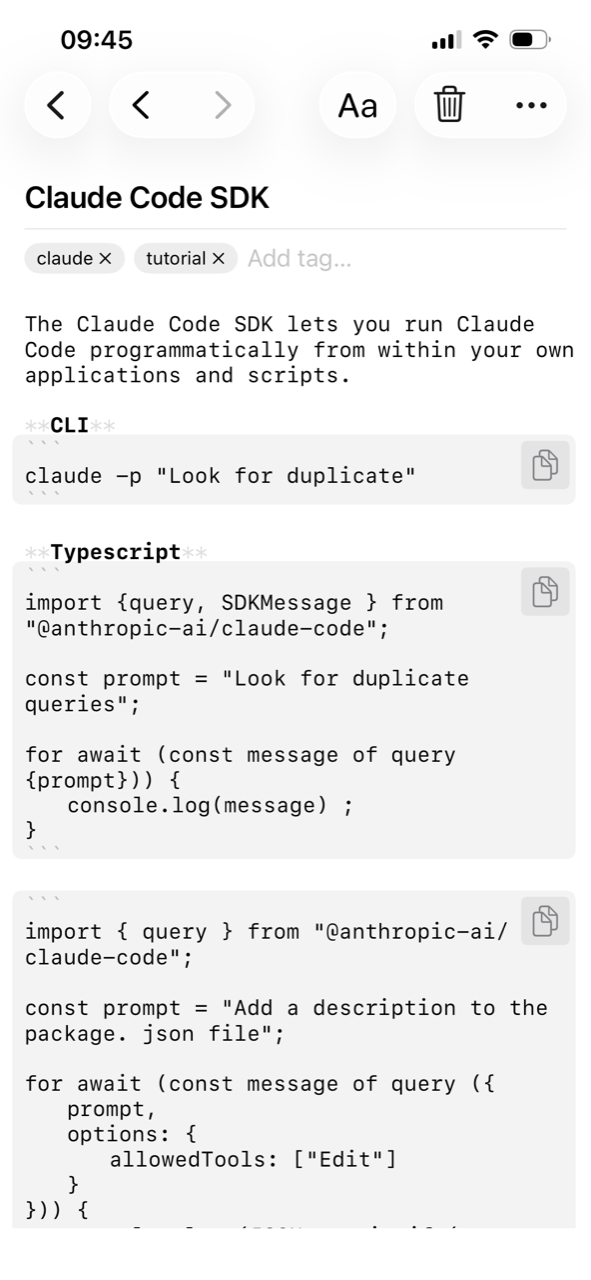
Headings, bold, italic, blockquotes, code, and task lists are highlighted as you type, so a note is easy to scan without leaving Markdown. It isn’t a WYSIWYG editor pretending your notes are something other than text — what you see is the same #, **, and - [ ] you’d get in any plain-text editor.
How it works
The editor is a native NSTextView/UITextView using TextKit 2’s rendering-attribute layer, not a custom renderer or a hidden rich-text format. A tokenizer parses CommonMark plus the GFM extensions people actually use — headings, blockquotes, code fences, lists, task checkboxes, bold, italic, strikethrough, inline code, links, and wikilinks — and styles each token. Highlighting only changes how characters are displayed; it never touches the text storage or rewrites the file on disk, so what’s on screen and what’s saved to your iCloud-synced .md file always match exactly.
- The formatting toolbar wraps or prefixes your selection with real Markdown syntax — bold inserts
**, not a hidden style attribute. - Task lists (
- [ ]/- [x]) render as checkboxes you can still edit as plain text underneath. - Edits autosave a few seconds after you stop typing, so nothing depends on remembering to hit save.
Why it matters for AI conversations
Because the editor never diverges from the raw Markdown, there’s no translation step between what you write, what iCloud syncs, and what the semantic search index and MCP server read. Claude sees exactly the same text you do.